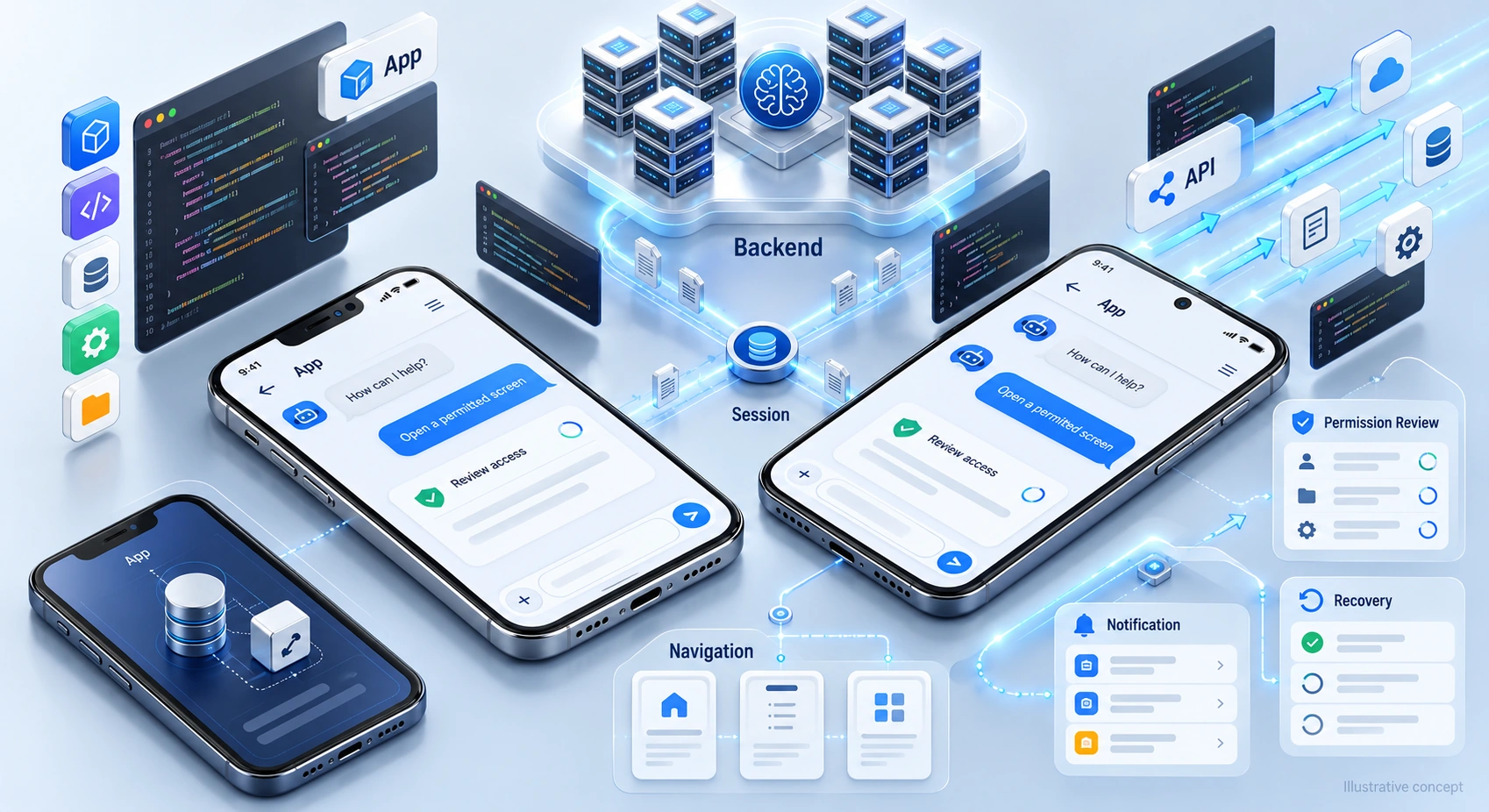


Tier-1 support automation handles a defined set of common enquiries using approved information and supported system actions. It may help with order status, service guidance, or routing while staff handle exceptions. Start with the requests your team receives most often, then test whether automation improves resolution without making it harder for customers to reach a person.
The Challenge: Repeated Requests and Limited Coverage
First-level support receives routine questions and requests needing investigation. Review your ticket mix rather than assuming most issues are simple. Identify tasks with reliable answers, clear access rules, and a safe next step when automation cannot help.
Common pressure points include:
- Queues that delay useful replies
- After-hours coverage gaps
- Higher workloads during busy periods
- Repeated tasks that consume agent time
- Uneven answers across support shifts
Automation may ease these pressures, but a reply is not proof of resolution. Test exceptions and preserve a visible path to the right support team.
The Approach: Define Supported Tasks
Choose a limited set of tasks with approved sources and clear rules. Decide what the assistant can answer, which actions require confirmation, and when staff must take over.
Outside business hours, explain what the service can do and when a person will respond. A useful automated first reply sets expectations rather than implying that every request will be completed immediately.
Discuss Tier-1 support workflows with DigiWeta around your helpdesk, knowledge sources, and escalation process. Agree the first use case, access limits, and acceptance criteria. Keep operating ownership clear so source updates and unresolved requests do not fall between teams.
Plan the Support Workflow
Separate request handling into clear stages, with checks for failure and uncertain information:
1. Identify Requests
Classify the enquiry where possible and clarify uncertainty. Let users correct the selected route.
2. Supported Help
Use approved information or permitted system actions. Explain limits and verify results before reporting completion.
3. Route Exceptions to Staff
Send unsupported or unresolved requests to the appropriate team and explain the follow-up process.
4. Review Outcomes
Review permitted records and feedback for errors, repeat contacts, and missing guidance.
Evaluate the full journey and escalations, not only how quickly the assistant sends its first reply.
Capabilities to Check Before Choosing Software
Assess features against your own tasks, permissions, and maintenance resources. Useful capabilities may include:
- Conversational Help: Answer approved questions through supported customer channels.
- Ticket Assignment: Route requests using agreed team and ownership rules.
- Controlled Actions: Perform supported updates with validation, confirmation, and error handling.
- Approved Knowledge: Make current guidance easy to find.
- Service Measurement: Track resolution, repeat contacts, failures, and handoff outcomes.
A feature list is not enough; test how these capabilities work together.
Outcomes to Measure in Tier-1 Support
Set a baseline before rollout so you can compare service quality, workload, and operating costs.
- Extended Coverage: Provide supported help beyond staffed hours.
- Prompt Initial Help: Give useful answers without needless delay.
- Workload Relief: Reduce avoidable repetition where the workflow fits.
- Clear Guidance: Use reviewed sources and check answers for errors.
- Capacity: Test demand changes and recovery from overload.
- Focused Agent Time: Preserve staff attention for judgment and complex requests.
Rollout Plan
Start small, test real journeys, and expand only when results support the next step.
- Review Current Demand: Find repeat tasks and common failure points.
- Compare Tool Options: Test suitable products against your workflow and access needs.
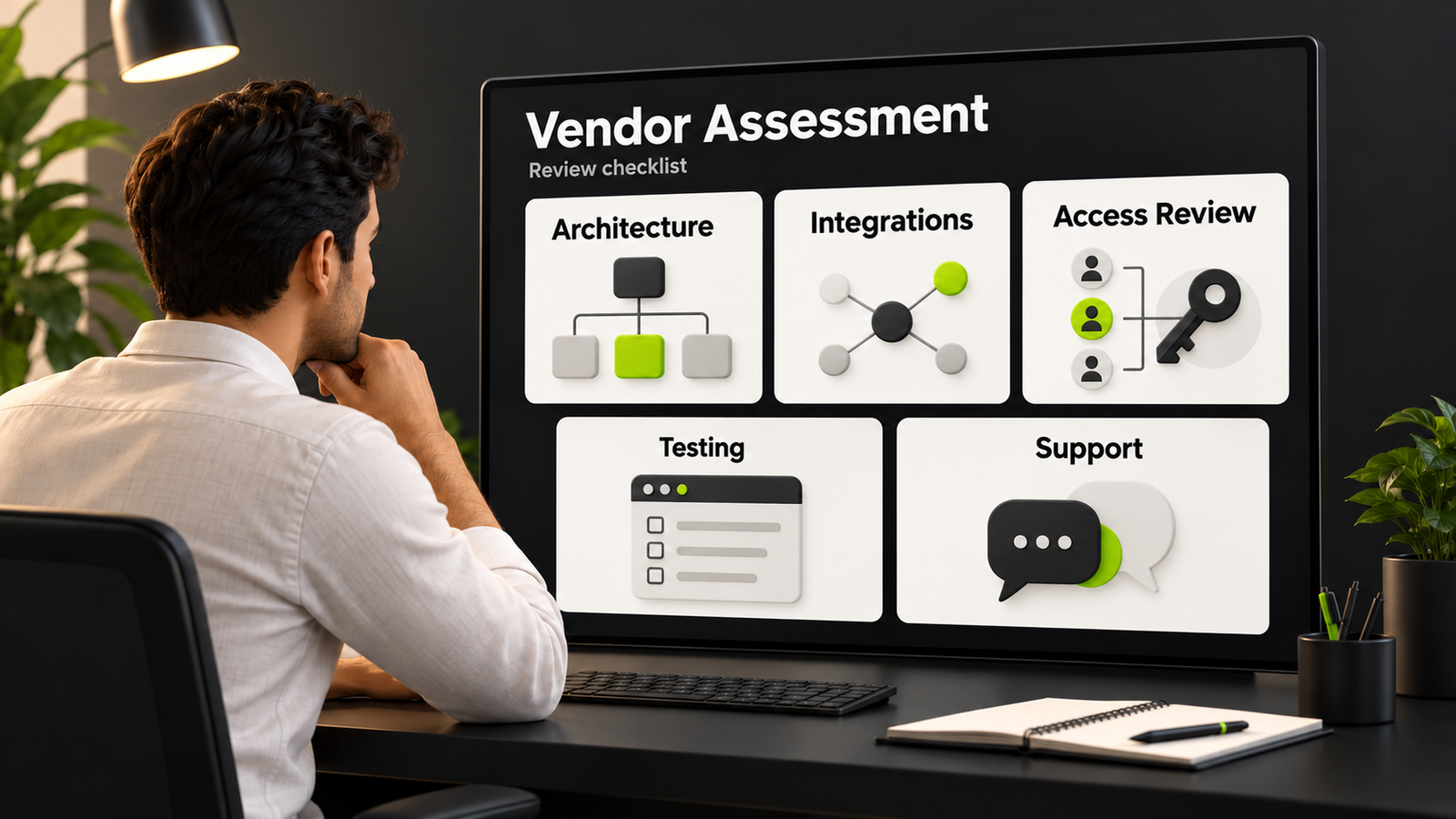
- Validate Connections: Check helpdesk integrations, permissions, and failure handling.
- Test and Review: Check resolution quality and refine the workflow.
- Team Readiness: Agree handoff ownership and how staff report problems.
Use reviews to decide whether to expand, change, or pause a workflow.
Keep Human Help Accessible
Make routine service easier without trapping people in repeated questions. Let customers ask for staff, explain availability, and pass relevant context. Treat unresolved requests as work needing attention, not as successful deflection.
Track quality and workload as demand changes. Update guidance and routing rules when the evidence shows a gap.
Summary
A useful support plan matches tasks to available information, tools, and people. Test the first workflow, review exceptions, and compare outcomes with the baseline before making broader claims about savings or service improvements.
Scope support automation with DigiWeta around approved guidance, clear handoffs, and measurable outcomes.
Bring your recurring questions and current tools to a discussion about the first workflow.
Frequently Asked Questions
It handles selected routine enquiries through approved information and supported actions, with clear limits and staff escalation for exceptions.
It can offer approved answers, guide self-service, or route requests. Verify results and make human help accessible when it cannot resolve the issue.
Potentially. Check supported interfaces, permissions, required fields, and error handling before assuming an integration fits.
Track resolution, repeated contact, escalation, satisfaction, workload, and total operating cost.
Keep people available for exceptions, judgment, and customers who need direct assistance. Automation does not remove responsibility for unresolved issues.
Data readiness, integrations, approvals, scope, and testing affect timing. Agree a plan after reviewing these dependencies.
Yes, if the scope fits its needs and resources. Start with common questions and a manageable handoff process.
Collect feedback and track completed tasks, repeat contacts, and handoffs. Do not infer satisfaction from response speed alone.