

Contracts contain dates, obligations, and terms that teams need to find and review. Automated contract analysis can help organize that information and highlight items for attention. Start with a defined review task and approved criteria, while keeping legal interpretation and consequential decisions with qualified professionals.
The Challenge: Repeated Review Work
Reviewers need to locate payment terms, deadlines, liability provisions, and other details across agreements. Map where work repeats and where missing context or unclear ownership slows the process.
Common review pressures include:
- Repeated document handling and data entry
- Uneven checks across review workflows
- Scattered deadlines and obligation records
- Unclear visibility into pending review work
A useful automation scope targets those specific gaps and measures whether the full review process improves.
Turn Contract Data into Reviewable Findings
Document automation can extract selected terms, organize agreements, and run first-pass checks. Verify findings against the source; software may miss or misinterpret clauses.
Useful tasks may include:
- Extracting specified terms with source references
- Flagging wording for qualified review
- Comparing clauses against approved review criteria
- Preparing structured findings for reviewers
Consistent checks can support review, but missed clauses and incorrect findings still need to be measured.
Plan the Contract Analysis Workflow
Define the documents, review criteria, access controls, and handoff responsibilities before choosing the implementation.
Discuss contract analysis with DigiWeta around your document sources, policies, and reviewer needs. Scope extraction, checks, and summaries so the team can inspect evidence and resolve exceptions without transferring legal judgment to the software.
Step 1. Approved Intake:
Connect permitted document sources and confirm access, versions, and confidentiality requirements.
Step 2. Extract Terms:
Capture required fields and link them to the relevant source text.
Step 3. Flag Review Items:
Apply approved criteria and make uncertain or missing information visible to reviewers.
Step 4. Prepare Findings:
Show the relevant terms, sources, and pending questions in a reviewable format.
Keep findings traceable and assign an owner for each unresolved issue.
Outcomes to Measure in Contract Automation
1. Review Efficiency
Measure time spent locating terms, checking findings, and resolving exceptions. Count review and correction effort as part of the workflow.
2. Check Quality
Test missed clauses, incorrect flags, and consistency across representative agreements.
3. Review Support
Give qualified teams evidence for policy and compliance assessment.
4. Clearer Work Status
Show pending reviews, unresolved findings, and upcoming dates so responsible staff can prioritize follow-up.
5. Total Cost
Compare delivery and running costs with verified improvements in review effort.
Define Risk Flags Carefully
Risk depends on the agreement, context, and applicable law. Treat automated flags as prompts for review rather than final legal conclusions.
Check for:
- Terms outside approved templates
- Missing fields or unclear versions
- Wording that needs further review
- Relevant liability or jurisdiction provisions
Use approved examples and criteria, then test false positives and missed issues. Reviewers should inspect the underlying agreement and context before acting on a flag.
Make Findings Useful to Reviewers
Organized contract findings can make discussions between legal, procurement, and finance more focused. Preserve source references and distinguish confirmed terms from questions still needing review.
Goals:
- Identify issues before commitments are made
- Apply approved templates
- Coordinate vendor and client follow-up
- Support decisions with source evidence
Measure handoffs and issue resolution. A dashboard or risk score alone does not prove a better legal outcome.
Stage the Contract Rollout
Begin with a defined document type and review scope. Test integration, accuracy, confidentiality, and operating responsibilities.
Use this starting plan:
- Review Current Work: Identify repeated checks, delays, and rework.
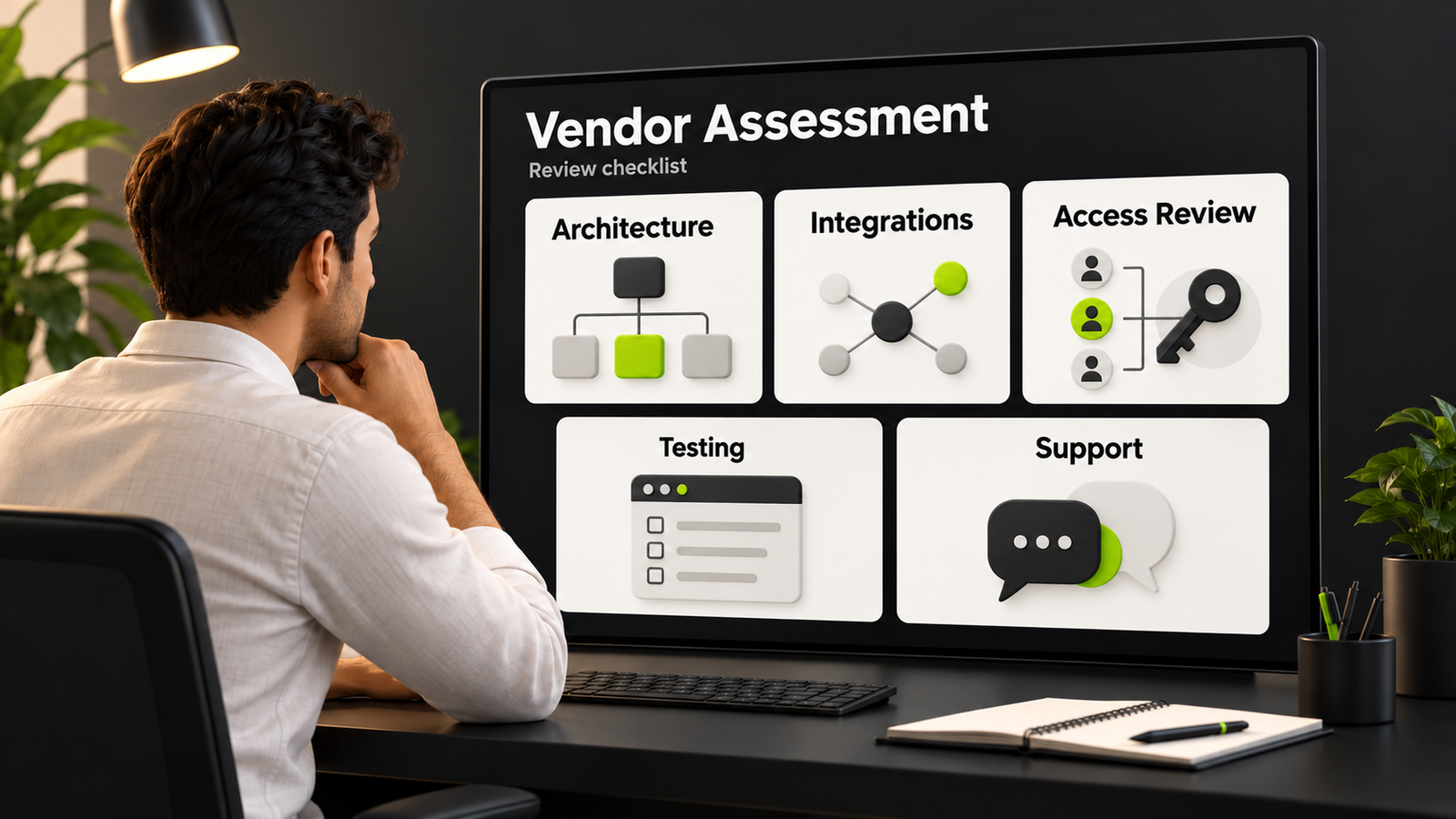
- Assess Tool Fit: Compare suitable tools against document formats, access, integrations, and support requirements.
- Set Review Criteria: Agree what should be extracted, flagged, and routed for review.
- Train Reviewers: Train reviewers to inspect evidence and report errors.
- Expand Scope: Expand when results, controls, and ownership support it.
Keep Contract Review Accountable
Treat contract information as an operational resource with owners and review duties. DigiWeta can discuss how sources, findings, and handoffs fit your existing process.
Assess quality, review effort, and cost together. Keep approved criteria current and ensure that decisions, negotiations, and commitments remain with the authorized people.
Summary
Use contract automation to organize information and assist first-pass checks within a defined scope. Preserve confidentiality, source evidence, and qualified review. Discuss legal document automation with DigiWeta around your documents, policies, integrations, and operating needs.
Ready to scope your contract analysis workflow?
Bring your repeated review tasks and current tools to a discussion about a testable first workflow.
Frequently Asked Questions
It can extract selected terms, organize information, and flag review items. Validate findings against source documents and retain qualified legal judgment.
It can reduce repeated handling and make selected terms easier to inspect. Measure corrections, missed issues, and review effort.
It identifies a potential issue under configured criteria. A qualified reviewer still needs to assess the agreement and context.
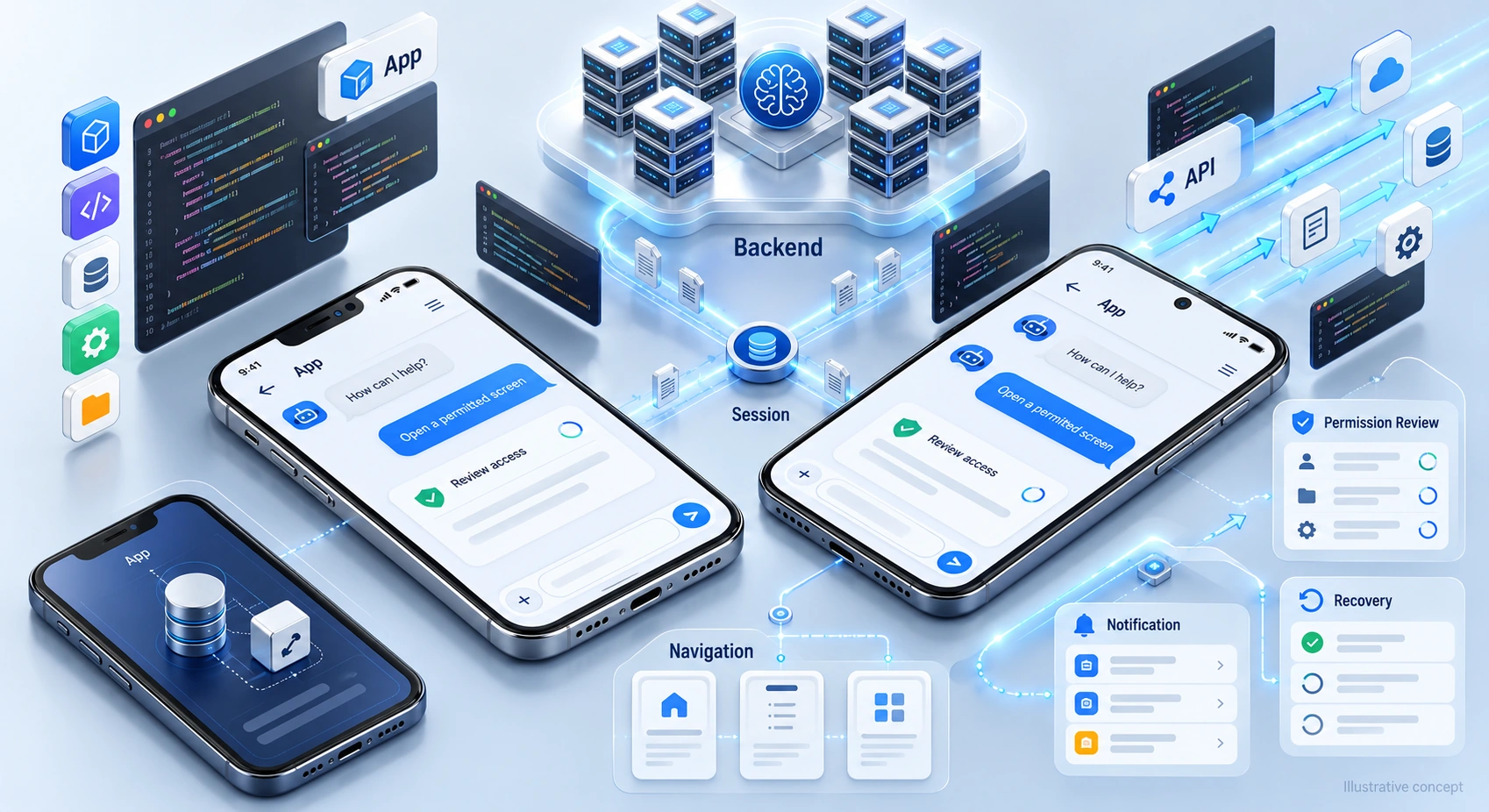
Check supported document formats, interfaces, permissions, confidentiality needs, and update handling before selecting an integration.
Start with repeatable extraction or checks using clear criteria. Suitability depends on document quality, context, confidentiality, and review resources.
Scope, document quality, access, integrations, review criteria, and testing determine the plan. Confirm dependencies during discovery.
Define monitoring, criteria updates, issue handling, and responsibility for improvements. Confirm included work and escalation arrangements.
Support defined tasks while qualified people retain interpretation and decisions. Verify findings before negotiations or commitments.