
Adding chat to an app involves more than moving a website widget onto a smaller screen. Users expect the conversation to fit the app’s sign-in, navigation, and everyday behavior. Plan those connections before choosing a library or building an interface.
For businesses whose customers rely on iOS or Android apps, in-app assistance can support an existing journey. Start with the tasks users already perform and the points where they need help.
A native interface, cross-platform component, or web view may suit different requirements. Each needs testing for responsiveness, accessibility, authentication, and recovery after interruptions. Choose based on the actual app and workflow rather than assuming one approach always performs well or another always fails.
Define response times, reconnect behavior, and notification rules. No integration removes network or model latency; make waiting and failure states clear.
This guide covers the decisions behind mobile chatbot integration, from session handling to notifications. It complements the wider planning guidance in our conversational AI playbook.
If you need an ai chatbot app development company, contact DigiWeta to discuss your requirements.
Chapter 1: Evaluate the Web-View Option
A web view can reuse web content inside an app. Assess its fit rather than dismissing it by default.
This embedded browser displays a chat interface, but developers must plan its security, navigation, and session behavior.
What to Test Before Release
- Interface Fit: Check keyboard handling, text sizing, gestures, and loading states. Test alongside the rest of the app so users can move between chat and other screens without confusion.
- Session Handling: Decide how chat identifies a signed-in user. Test session expiry, sign-out, and account switching. Avoid unsafe credential handling; do not assume chat automatically inherits the app’s access controls.
- Recovery: Test what happens when users switch apps, lose connectivity, or reopen the app later. Restore only the information they are allowed to see, and prevent retry behavior from sending the same action twice.
For sensitive workflows, compare implementations against your security requirements and test them on real devices. This matters when planning financial AI chatbots for banking need careful access controls.
Chapter 2: Plan the App and Backend
An SDK, direct API integration, or custom component can connect an app to chatbot services. Choose the approach that fits your existing stack and maintenance plan.
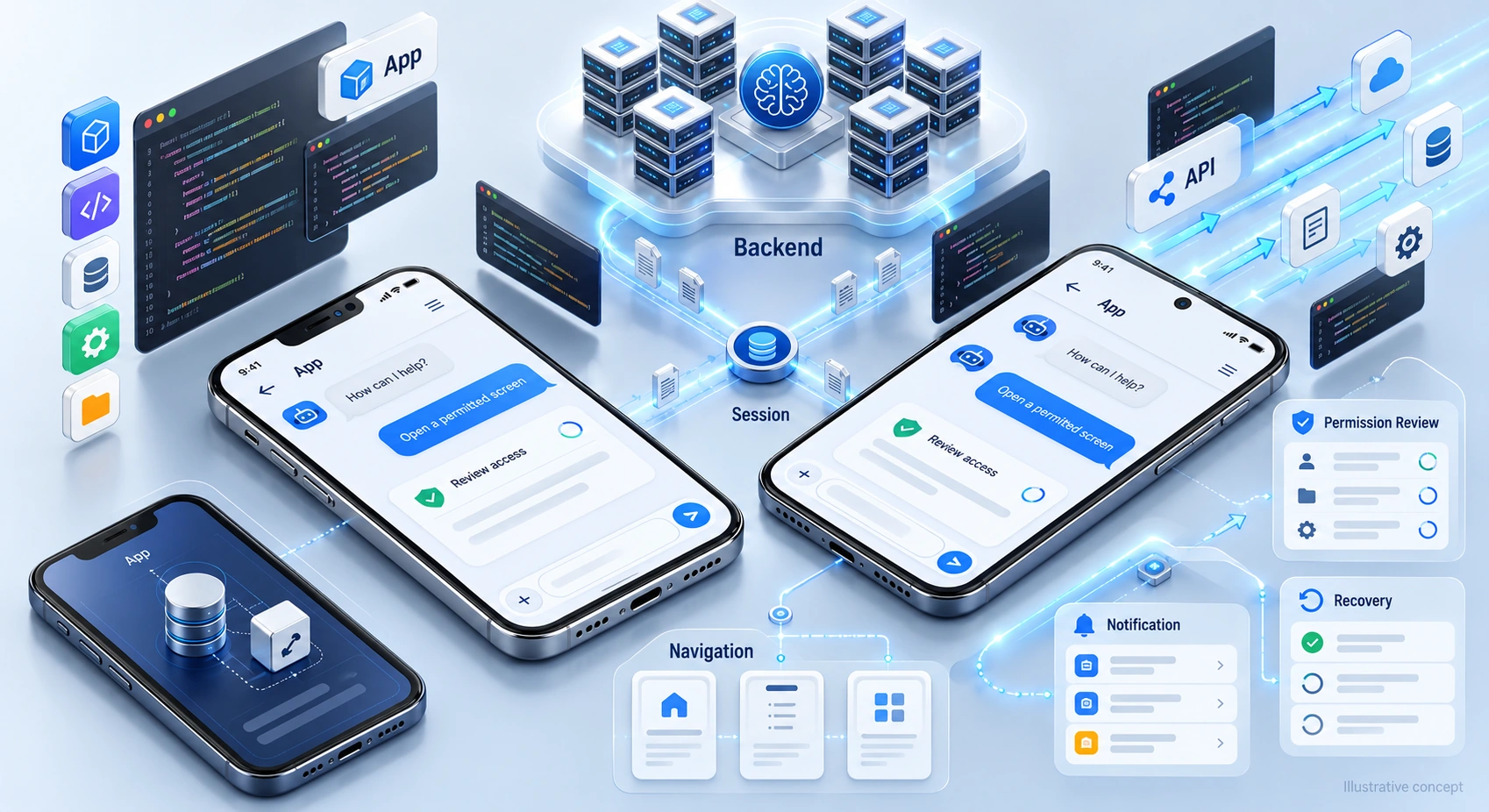
Separate the interface from server duties. The app presents messages and manages interaction; the backend can handle model requests, retrieval, permissions, and business actions. Specify what data crosses that boundary and keep server secrets out of the app.
Choose the Response Transport
Response delivery may use requests, HTTP streaming, or WebSockets, depending on the service. Compare latency, cancellation, reconnection, and infrastructure needs. A persistent connection is an option, not a requirement for every chatbot.
- Example Flow: The app sends a request to the backend. If streaming is supported, it displays partial output as it arrives, then confirms completion. Define what users see if the stream stops or the request fails.
- Progress feedback can make waiting clearer, but it does not eliminate processing time or network delay.
Store Conversation History Carefully
Decide whether history belongs on the device, the server, or both. Local storage can help restore the interface, but it needs retention rules and safeguards for sensitive content. Test account switching, sign-out, deletion, and sync conflicts. Do not treat cached text as proof that a pending booking or other action completed; confirm its status with the authoritative system.
These recovery choices also matter when automating bookings for travel and real estate mobile apps.
Chapter 3: Connect Chat to App Navigation
Chat can guide users to relevant screens if the app checks the destination and access requirements.
For “Show my billing history,” offer an approved account screen. Verify access rather than trusting a model-generated destination.
Validate Links and Actions
Map requests to known app routes. Check authentication and authorization before opening sensitive screens, and reject unsupported destinations. Keep navigation separate from transactions: opening billing should not approve a payment or change an account. Test invalid links and expired sessions.
Clear navigation can reduce steps. Measure whether users reach the right screen and finish their task rather than assuming chat improves every journey.
Chapter 4: Use Notifications with Permission
Notifications can alert users when a response is ready, subject to permissions and device settings. Delivery is not guaranteed, so the app still needs a way to retrieve updates.
Use notifications for useful updates, with clear preferences and privacy-aware message previews.
Plan the Return Journey
If a request involves a slow system or a human handoff, explain its status and let the user leave the chat. Agree what happens if they decline notifications or return before processing finishes.
- The App Explains: “Your request is still processing. You can return here later to check its status.”
- The user leaves the app.
- When a response becomes available, the backend may send a notification through the configured platform service, if permitted.
- A Privacy-Aware Message Might Say: “Your update is ready.” Verify the session on return; keep sensitive details off the lock screen.
Measure whether this helps users complete tasks. Notification permission, delivery, and engagement should not be assumed.
Chapter 5: Consider Voice and Accessibility
Voice input can help some users, but text entry must remain available. Decide whether speech recognition fits the task, environment, and privacy requirements.
Request required permissions, explain speech processing, and provide recording controls. Let users review transcripts before sending, especially for requests that trigger actions. Plan for recognition errors, unsupported languages, and settings where speaking is inconvenient.
Voice is one option, not a complete accessibility strategy. Also test screen-reader labels, text scaling, focus order, and usable controls.
Chapter 6: Review SDK Trade-Offs
An existing SDK may save implementation work, while custom integration may offer more control. Evaluate the actual component rather than treating every third-party library as unsuitable.
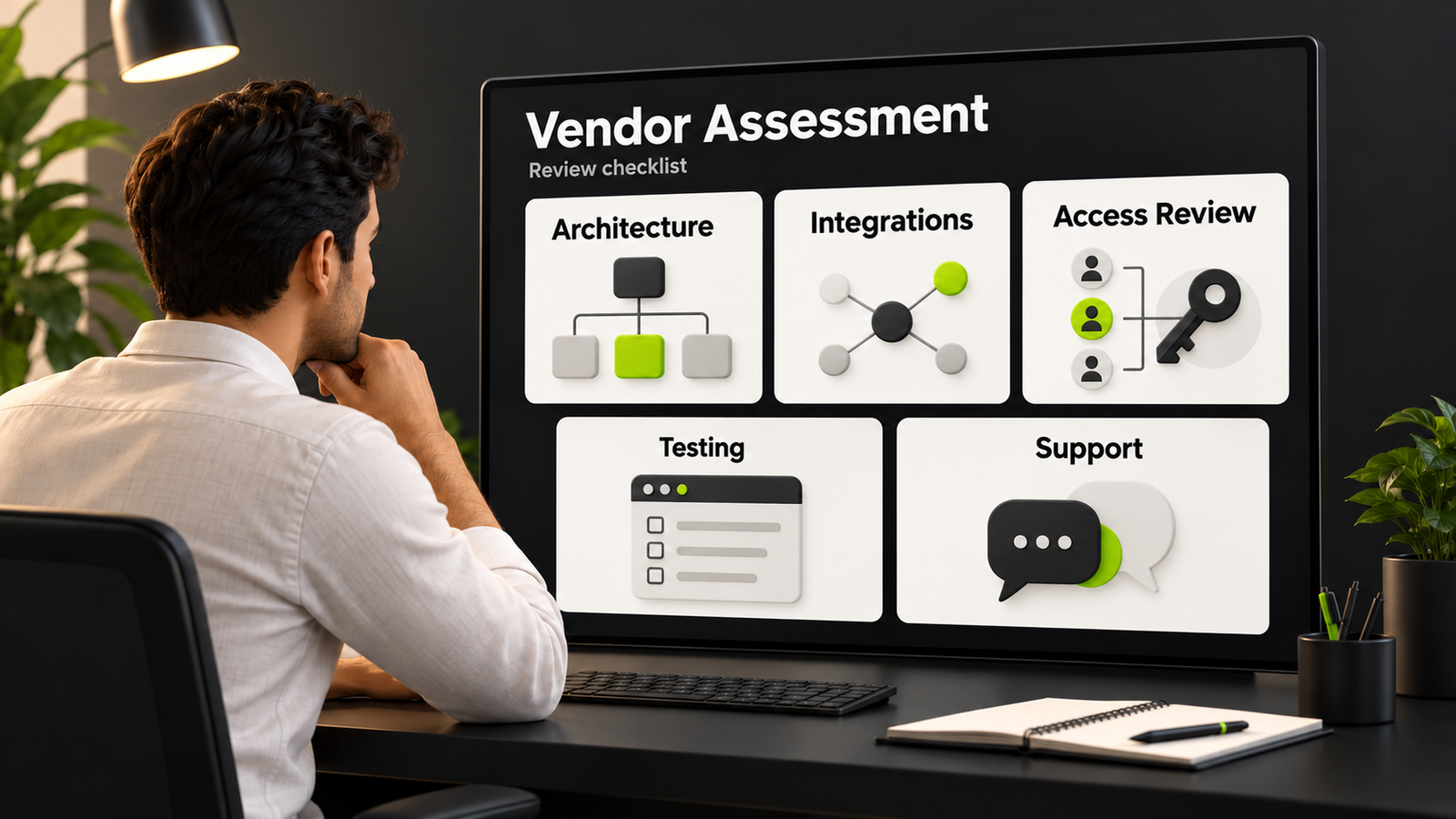
Review bundle impact, dependencies, data collection, customization, accessibility, and release support. Test on supported devices. Check how updates work and what happens if the supplier changes or retires the product.
Use those findings to compare custom AI chatbot development services and prebuilt platforms.
Plan Mobile Chatbot Integration with DigiWeta
A useful mobile chatbot fits the app around it. Define its first task, required data, handoffs, and acceptable response behavior. Then test normal journeys and interruptions before widening access to more users or actions.
Discuss ai chatbot app development services with DigiWeta around your current iOS, Android, or cross-platform app. Bring the sign-in flow, systems to connect, and mobile constraints to the planning conversation. Agree a focused initial scope, evaluation criteria, and support responsibilities before committing to a broader rollout.
Ready to scope the integration? Contact DigiWeta to discuss a chatbot experience that fits your app and users.
Frequently Asked Questions
A web view displays web content inside the app; a native interface uses the platform’s interface components. Either needs deliberate session, security, and recovery design. Compare actual performance, accessibility, customization, and maintenance effort rather than assuming the implementation label guarantees a better experience.
Apps can use requests, streaming responses, or WebSockets, depending on the service. Compare cancellation, reconnection, and infrastructure needs. Show progress and errors clearly; streaming can display partial output but cannot eliminate model or network latency.
Battery impact depends on network activity, rendering, audio, and background behavior. Cloud processing still requires device work. Test conversations and idle behavior on supported devices; avoid unnecessary polling or connections instead of promising zero battery impact.
Choose device storage, server storage, or both based on product and privacy needs. Define retention, deletion, account separation, and sync rules. Test recovery after interruptions, and confirm pending actions with the backend rather than relying on cached messages.
A deep link can open a specific app screen, such as account settings. Route only to supported destinations and check the user’s access before displaying sensitive information. Keep navigation separate from permission to carry out a transaction, and handle invalid or expired links clearly.
Yes, if the app supports it and required permissions allow it. Delivery depends on platform and device conditions. Keep sensitive details out of previews, provide controls, and let users retrieve replies in the app even if no notification arrives.
Check permissions, languages, recognition quality, processing location, and privacy needs. Provide recording controls, transcript review, and a text alternative. Voice is not accessible for everyone; test the full interaction with the people and environments the app serves.
Check supported platforms, release history, bundle impact, dependencies, data handling, UI flexibility, and accessibility. Test it in your app before committing. Compare those findings with custom integration effort and maintenance needs; neither route guarantees performance or privacy without implementation and testing.