
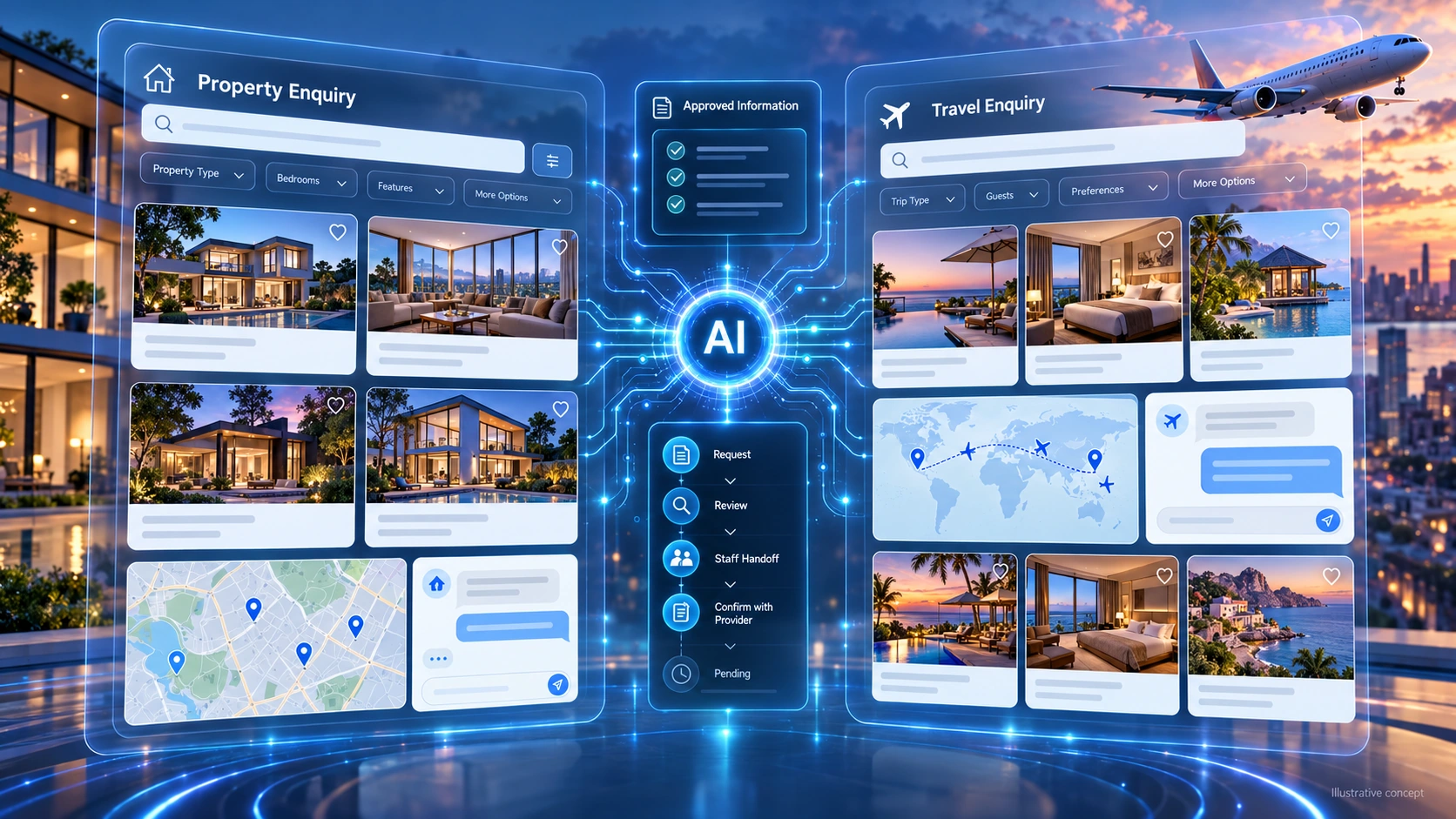
Travel and property teams answer detailed questions while availability changes. A useful chatbot connects those enquiries to approved information, clear next steps, and people who can handle exceptions.
Property enquiries may involve budget, location, and viewing preferences; travel enquiries may involve dates, routes, and booking conditions. Clarify these details rather than rushing customers toward a commitment.
After-hours enquiries can be difficult to manage, but an unanswered question does not tell you whether a sale was lost. Identify where customers wait, which requests repeat, and what staff need to follow up. Then choose a focused workflow the chatbot can support without inventing availability, making unsupported promises, or taking actions the customer has not approved.
Conversational AI can organize these enquiries when its scope and controls are clear.
This guide explains the integration and handoff decisions behind an AI chatbot for real estate and travel. Start with the data you can access and the actions your systems support, then use our conversational AI playbook.
To scope an ai chatbot development service for websites with DigiWeta, bring your booking workflow and data requirements.
Chapter 1: Support Property Enquiries
A property assistant can answer approved questions, collect stated preferences, and route enquiries. Define what it may say about a listing and when an agent should take over.
Use Approved Data
Confirm access rights before using an MLS feed or agency database. Define which fields may be displayed, how updates arrive, and how the chatbot handles missing or stale records. A connection alone does not ensure accuracy.
- An Enquiry: A visitor asks, “Show three-bedroom Miami condos with a pool within my budget.”
- The Response: Clarify the budget and search permitted listing data using stated property criteria. Show source-backed details and flag information needing confirmation. Do not infer personal eligibility or steer users using protected characteristics; leave suitability and transaction decisions to the appropriate people.
Tours and Viewing Requests
Where approved tour links exist, the assistant can share them with the enquiry. For an in-person visit, connect to the scheduling system or pass a request to the agent. Check availability, confirm the customer’s selected slot, and distinguish a pending request from a confirmed appointment. Handle changes and failed bookings without creating duplicate reservations.
These routing and handoff decisions also apply outside property enquiries. Compare the approach with enterprise AI chatbots for B2B lead generation.
Chapter 2: Connect Travel Search to Current Offers
Travel results can change between search and checkout. Treat prices and availability as time-sensitive. Explain the next step and recheck the chosen offer before asking the customer to commit.
Choose Supported Travel Interfaces
A travel industry AI chatbot needs the relevant supplier, booking, or property system. Confirm API access, permissions, terms, and supported actions before defining the workflow.
- An Enquiry: A traveller asks, “Find direct flights from JFK to London next Friday, departing after 5 PM.”
- The Response: Clarify dates and airports, then search connected inventory. Recheck the selected offer’s price and availability before booking. Show the full amount, conditions, and itinerary, and get customer approval through secure checkout. A search is not permission to buy.
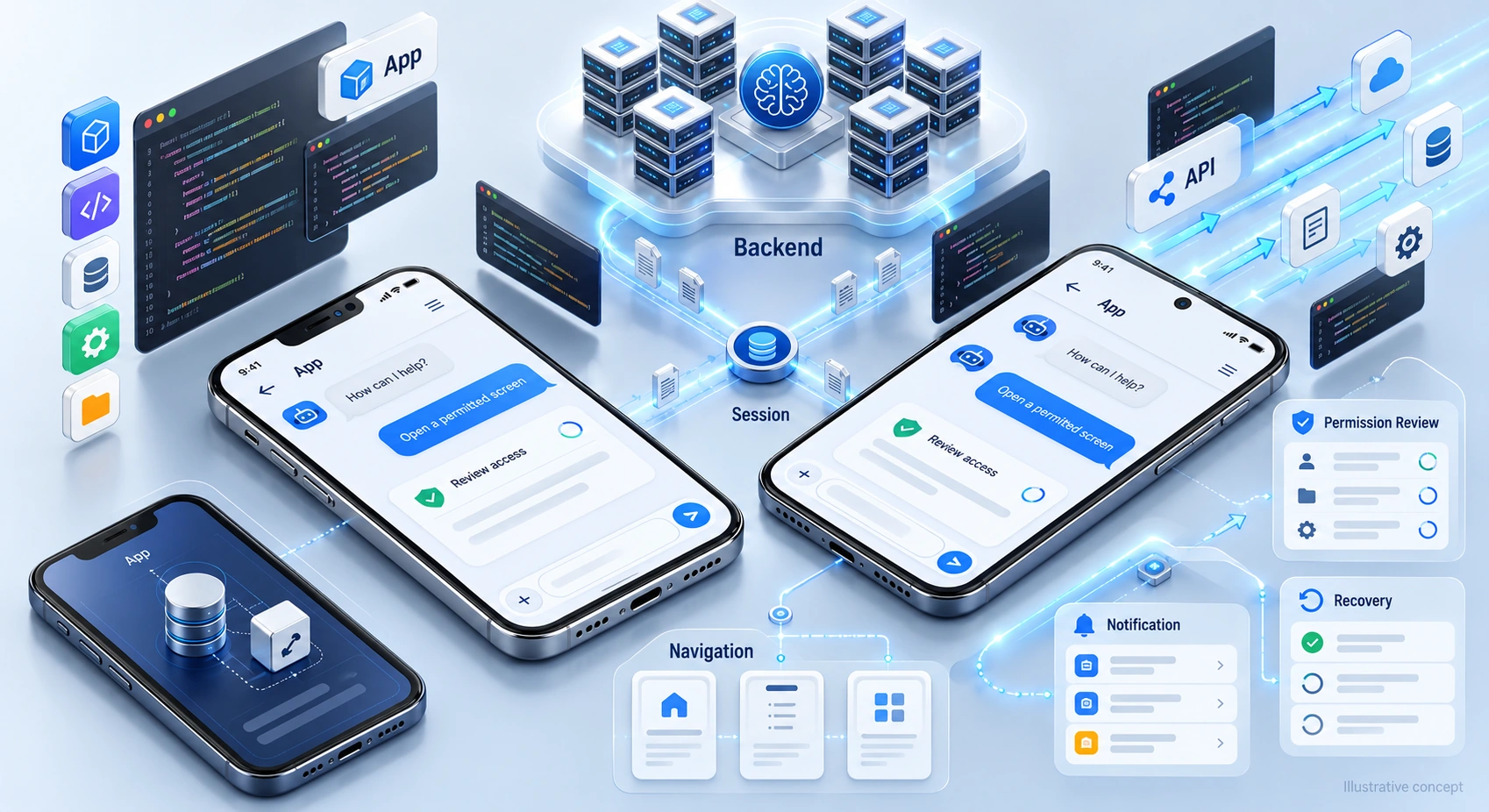
On mobile, test the search, offer review, and checkout journey on supported devices. Consider the integration choices involved in integrating AI chatbots into mobile apps.
Test Language Support
If multilingual support is needed, define the languages and test them against real booking questions. Let users change the detected language, and keep dates, currencies, names, and conditions unambiguous. Have important policy wording reviewed rather than assuming fluent output is accurate. Provide a human handoff when the assistant is unsure, especially for disputes, accessibility needs, or unusual travel arrangements.
Chapter 3: Confirm Changes Before Submission
Changes and cancellations need safeguards. A disruption may create many requests, so define which cases the chatbot can handle, what supplier systems support, and how unresolved enquiries reach staff. Test capacity and recovery before relying on automation during a surge.
Automation also needs capacity limits, error handling, and human escalation.
Plan the Change Request
Guide supported changes while leaving the final decision with the customer.
- Verification: Use the provider’s required identity and access checks. A booking reference and surname should not be assumed sufficient for every account action or disclosure.
- Policy Checks: Retrieve the applicable fare or booking rules and explain available options, restrictions, and any charges.
- Confirm: Present the requested change and total cost before approval. Use the authorized payment flow where needed, then verify the booking system’s result before reporting success.
Chapter 4: Define Post-Booking Assistance
Support continues after an enquiry becomes a booking or appointment. Agree which updates the assistant can provide, which records it may access, and which requests require staff action.
- For Guests: A guest might request towels and ask about pool hours. Answer from approved hotel information and pass the service request to staff. Check room access where needed, record the request, and distinguish “sent to housekeeping” from “completed.” Do not promise delivery before staff or the system confirms it.
- For Agents: Share approved appointment updates and reminders when customers agree to receive them. Use verified dates and assign follow-up responsibility. Escalate contract, legal, and transaction questions rather than treating reminders as professional advice.
Chapter 5: Assess Platform Fit Before Building
A prebuilt platform may support your workflow; custom work may address gaps. Evaluate actual connectors, permissions, and business rules rather than assuming price or product category determines suitability.
Test the important actions with realistic data: finding an available listing, retrieving a current offer, requesting a viewing, or checking a booking rule. Identify unsupported steps and ongoing maintenance work. A standard form or staff handoff can be appropriate when it is safer or simpler than adding automation.
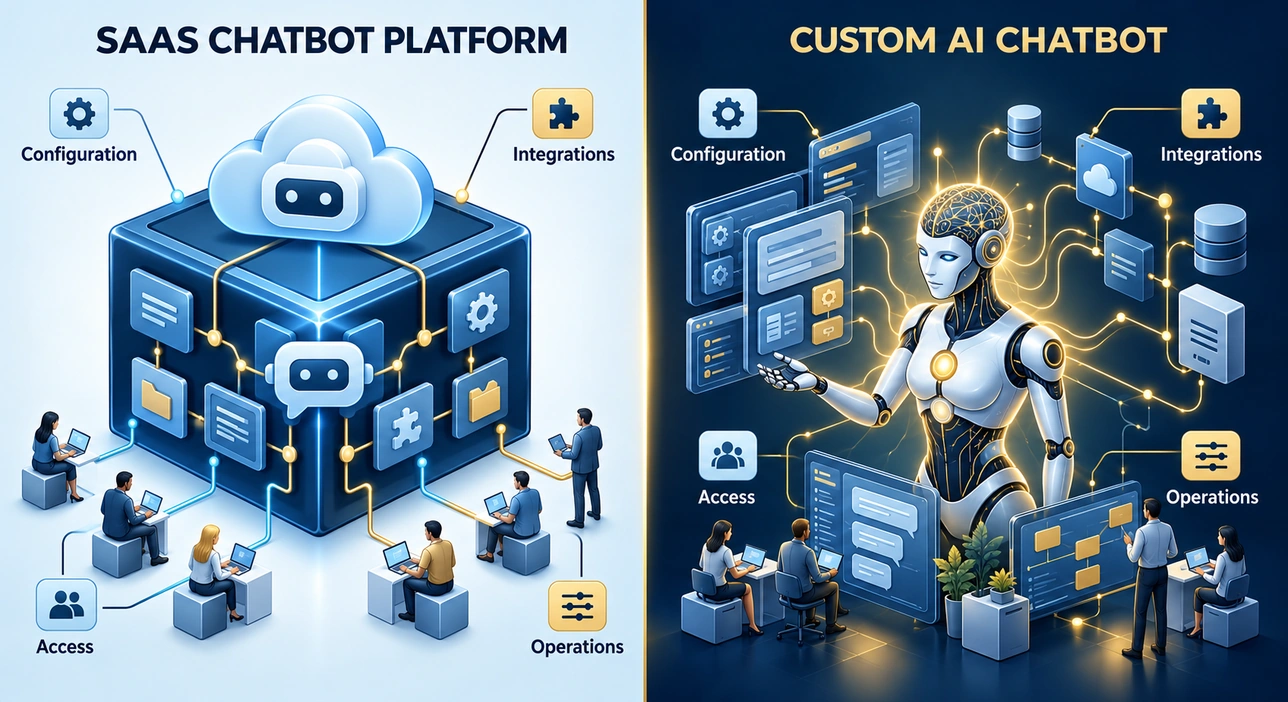
Compare the requirements, operating costs, and support responsibilities of custom AI chatbot development vs SaaS platforms before selecting a delivery approach.
Plan Your Digital Concierge with DigiWeta
Start with one useful enquiry or service workflow. Define the information needed, systems involved, and points where employees stay responsible. Measure outcomes before expanding automation to more actions.
Discuss travel industry AI chatbot and property enquiry requirements with DigiWeta. Bring your inventory sources, scheduling process, and permission requirements to the planning conversation. Agree what the first release should handle, how it will be tested, and how unresolved cases will reach your team.
Ready to define the workflow? Contact DigiWeta to discuss your chatbot scope and next steps.
Frequently Asked Questions
Answer approved listing questions, collect stated property preferences, and route viewing requests. Use permitted data, current information, and clear staff handoffs. Automated replies should not replace an agent’s review of complex or transactional matters.
Use an authorized, maintained connection to the listing source with permission to display its data. Check update frequency, supported fields, and handling of unavailable records. Assess platforms and custom solutions against the feed and licensing requirements.
It can help with approved information, supported inventory searches, booking requests, and service enquiries. Available actions depend on the connected systems and permissions. Before any paid booking or change, show the relevant details and conditions, obtain approval, and confirm the system’s result.
Test the required languages using realistic enquiries, names, dates, currencies, and policy questions. Let users correct language detection and request a person. Review important conditions carefully; fluent wording does not guarantee accurate translation or justify promising a flawless multilingual service.
Verify access using the provider’s requirements, retrieve current rules, and explain the proposed change and charges. Get customer approval before submitting the change. Use the permitted payment flow where needed, and report success only after the booking system confirms it.
Consider custom work when essential data connections, access rules, or workflows are not supported by a suitable platform. Test the actual product first and compare implementation, maintenance, and handover costs. Custom development offers flexibility, but does not automatically guarantee a safer or more effective system.
It can answer from approved hotel information and send supported service requests to staff systems. Verify guest access where needed, record the request, and communicate its status accurately. Keep a human route available and avoid claiming that a request is complete simply because it was submitted.
Compare attributable benefits with setup and running costs over the same period. Track enquiry quality, viewing requests, staff workload, and completed outcomes where measurable. Faster replies alone do not prove increased commission revenue; test the workflow and distinguish observed results from forecast assumptions.