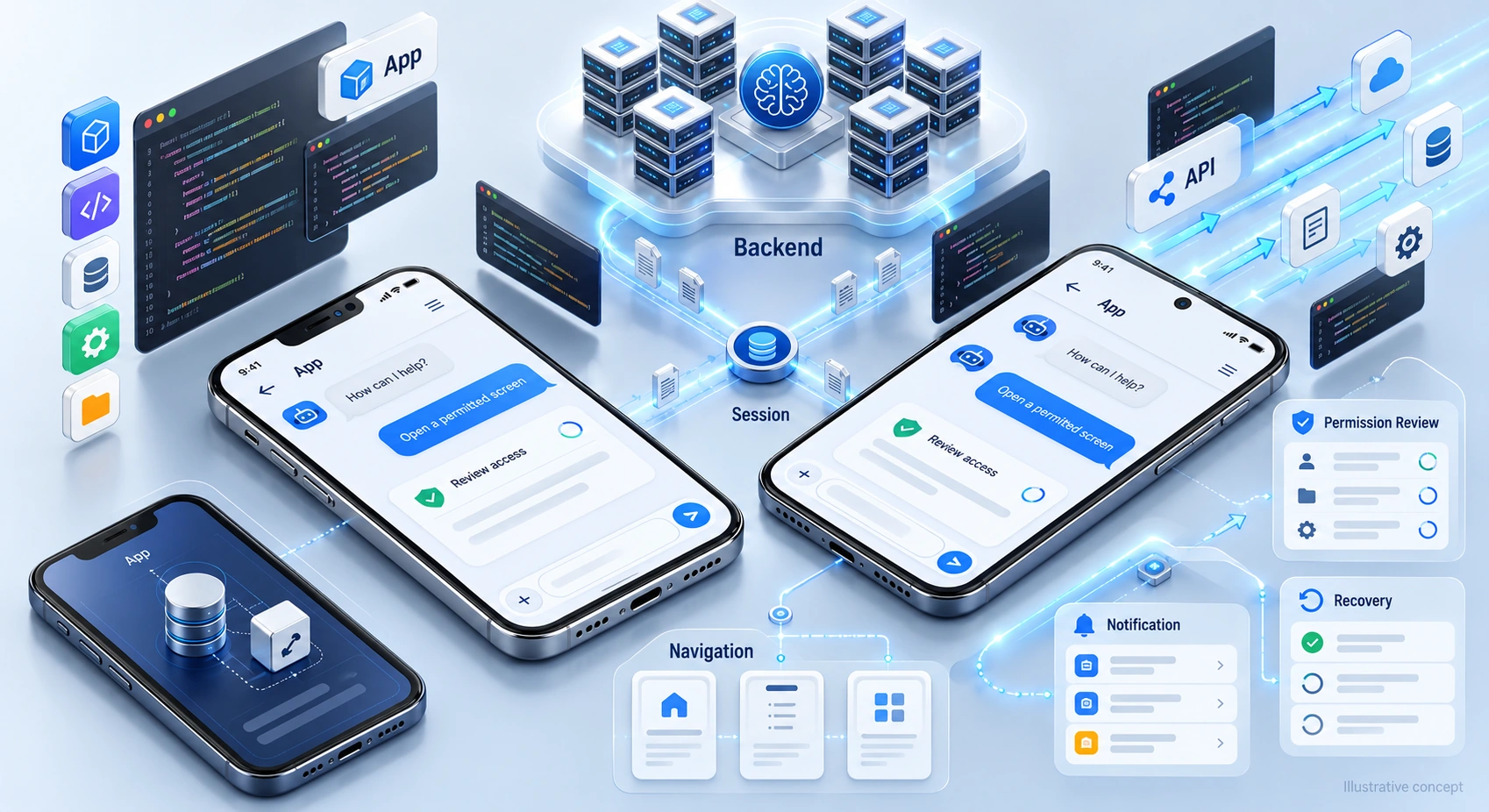


An eCommerce chatbot can support both service and product discovery. The useful question is where a conversation helps shoppers make an informed choice. Start with repeated questions, hard-to-find product details, and points of friction, then test whether chat improves the experience without obstructing browsing or adding pressure.
Make the assistant useful before treating it as a sales channel.
Conversational commerce connects product questions with relevant catalogue information and supported shopping actions. A chatbot may clarify preferences, compare options, or help users reach checkout. Its value depends on current data, sound recommendations, and clear controls. Neither a large model nor a chat interface guarantees higher conversion or unlimited capacity.
This guide covers product discovery, relevant add-ons, permission-based follow-up, and sales handoffs. Use these decisions to define a focused scope and measure outcomes alongside the broader delivery considerations in our guide to architecting AI chatbots.
To discuss a conversational ai chatbot development service for ecommerce with DigiWeta, bring your catalogue, customer questions, and system requirements.
Chapter 1: Help Shoppers Find Suitable Products
Shoppers may need help comparing products or understanding specifications. Chat is one option, but clear product pages, useful filters, and visible policies still matter.
Ask what the shopper is trying to achieve and which constraints matter. Use approved catalogue details to explain relevant options, and make it easy to continue browsing or speak to a person. Do not assume every abandoned session reflects a problem chat can solve.
Clarify Shopping Needs
Natural language input can help shoppers describe a need. Clarify important details before turning that request into product filters.
- A shopper might ask, “I need a tent for a three-day trip. Which options fit my plans?” Ask about conditions, capacity, and budget before recommending products.
- Search current product information and explain the relevant specifications and limits. Do not infer safety suitability from location or season alone. Check availability and price before offering a cart action, and let the shopper choose.
Measure whether recommendations help users find suitable products. Faster selection matters only when the answer fits their needs.
Chapter 2: Make Add-On Suggestions Relevant
An optional accessory can help when it is genuinely compatible with the chosen product. Explain its purpose, price, and any limitations. Keep the main purchase available without the add-on and avoid implying that an optional item is required.
Ask permission before adding extra items to the cart.
Choose a Recommendation Method
Simple compatibility rules may be enough for some catalogues; other projects may use ranking models. Select an approach based on data quality, explainability, testing, and maintenance needs.
- The Context: Use the selected product and stated preferences to identify potentially useful additions.
- Check Compatibility: Validate the suggested item against product details, stock, and any compatibility rules before presenting it.
- The Suggestion: “This accessory fits the selected model and costs the amount shown. Would you like to see its details?” Use a factual explanation rather than invented urgency, and request confirmation before changing the cart. The model should not invent product claims or offers.
Track acceptance, returns, margin, and feedback. A larger order is not useful if the suggestion causes confusion or an unsuitable purchase.
Chapter 3: Plan Respectful Cart Follow-Up
Shoppers leave for many reasons: timing, price, shipping, or uncertainty. Use your funnel data and feedback to identify issues a follow-up message could address.
Email, chat, and other channels may suit different audiences. Test relevant messages rather than assuming one channel always performs better. Compare outcomes while respecting communication preferences.
Review WhatsApp and SMS Permissions
Confirm consent, channel requirements, and opt-out handling before sending outreach.
- Permitted Follow-Up: Contact customers within their permission and applicable rules. Set frequency limits, respect opt-outs, and stop reminders after purchase.
- Useful Help: Ask whether the shopper needs product, delivery, or returns information. Use verified answers and avoid private purchase details in previews. A reminder should help, not intrude.
- Approved Offers: Verify an offer’s eligibility, amount, and expiry in the commerce system. Explain conditions and never invent discounts or delivery promises. Keep offer controls in validated business logic, not prompt wording alone.
Measure incremental outcomes and unsubscribe signals, not just clicks. Keep sales outreach separate from support so customers can get help without receiving a pitch. Define customer support handoffs alongside sales.
Chapter 4: Support Considered Purchases
Costly or configurable purchases may need a specialist. Use chat to clarify the request and prepare a useful handoff rather than pushing every conversation through checkout.
Some visitors are exploring, while others need a quote or expert advice. Offer useful information at each stage. Do not dismiss someone as unqualified simply because they cannot state a budget or are not ready to buy immediately.
Prepare the Human Handoff
A chatbot can collect relevant context and route requests to staff. Define escalation options clearly, including a route for shoppers who simply prefer a person.
- Understand the Need: Ask about intended use: “Is this for personal use or a business?” Explain why additional details are useful.
- Budget and Timing: Ask for a range only where it helps narrow suitable options. Let shoppers skip the question and avoid treating an uncertain budget as proof that they do not deserve assistance.
- Human Handoff: Pass the necessary context to the relevant team and explain what happens next. Distinguish a live transfer from a follow-up request, and confirm availability rather than promising an immediate specialist response.
Similar enquiry and routing choices appear in other considered purchases. Compare the approach with how conversational AI drives sales in real estate and travel with human review for complex decisions.
Chapter 5: Test Platform Capabilities Before Building
A plugin may meet your needs; custom work may address gaps. Test the workflow rather than assuming cost or product category predicts results.
Check the data, permissions, and supported actions required for each feature.
- Confirm whether permitted purchase history can be used with appropriate access controls.
- Check whether offer rules, stock, and eligibility can be verified before a discount is presented.
- Test complex questions, missing product details, and unsupported requests. A clear fallback or staff handoff is better than an invented answer.
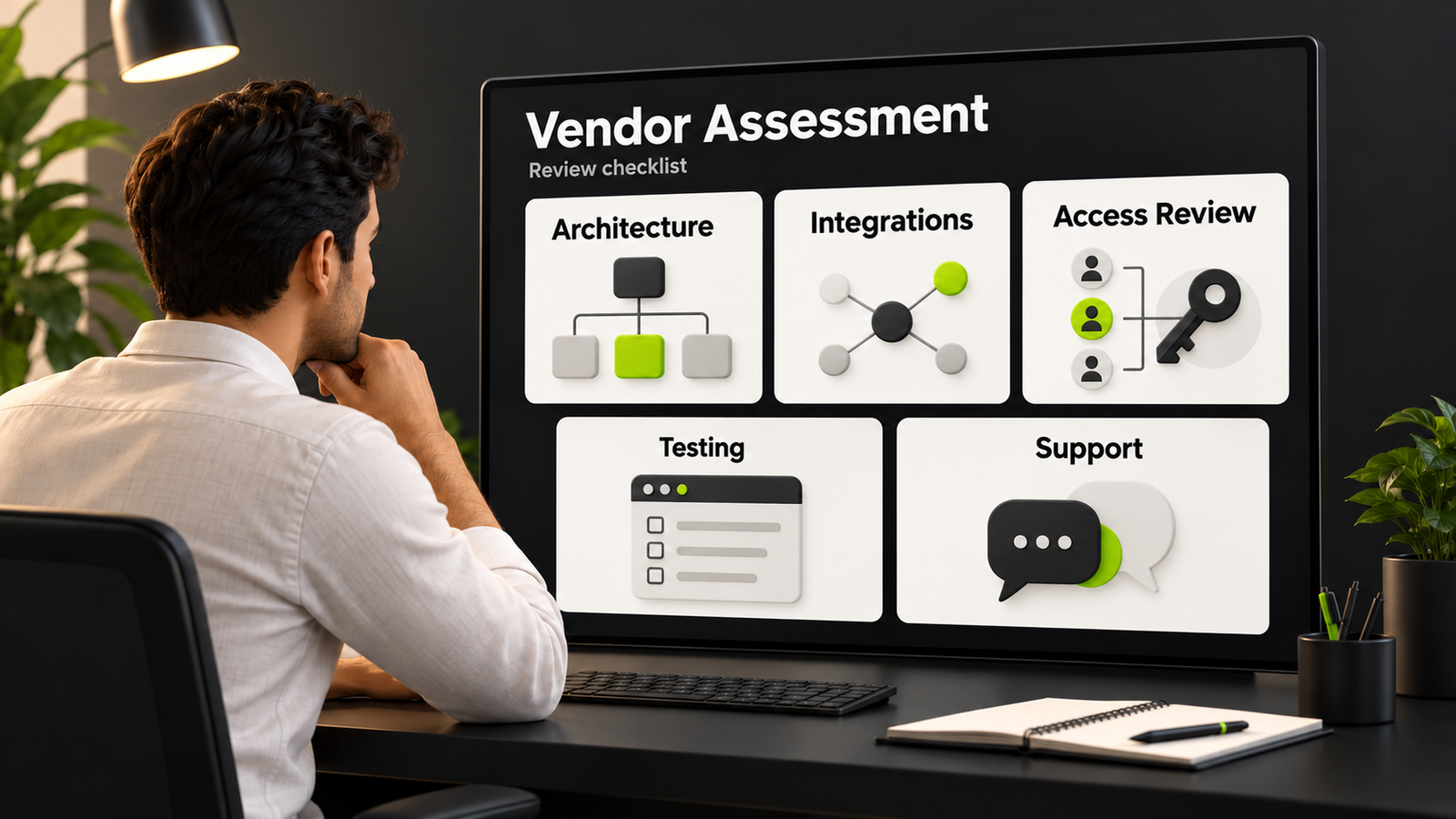
Compare implementation effort, ongoing support, data access, and ownership. Keep cart and checkout actions under validated controls, and make limitations visible. Evaluate the differences between custom development and SaaS bot platforms against your actual requirements.
Plan eCommerce Chatbot Journeys with DigiWeta
Start with a customer problem you can measure, such as repeated product questions or unclear handoffs. Define what the assistant may answer and do, then test its usefulness before extending the scope.
Discuss a customer support ai chatbot development service for ecommerce with DigiWeta around your catalogue and service process. Agree the necessary integrations, access rules, product information sources, and evaluation criteria. Include ongoing updates and ownership in the delivery plan.
Connect product guidance, support, and staff handoffs using verified data. Measure outcomes without promising every chat will convert or automation will replace your team.
Ready to review your shopping journey? Contact DigiWeta to discuss a focused eCommerce chatbot project.
Frequently Asked Questions
It can answer approved product questions, clarify preferences, and guide shoppers toward suitable options or staff help. Test the workflow using current catalogue information and actual customer needs. Measure completed outcomes, returns, and feedback rather than assuming a chat interface increases sales.
It may help answer questions or provide a relevant reminder when the customer has permitted that outreach. Check channel requirements, frequency limits, and opt-outs. Use approved offers only, and measure incremental results rather than claiming chat always outperforms email or recovers every abandoned cart.
Suggest optional, compatible products using verified details and explain their relevance and price. Let the shopper decline and confirm before adding anything. Measure margin, acceptance, returns, and feedback; a larger order alone does not show that a recommendation was useful.
Clarify the shopper’s stated needs, constraints, and preferred next step. Ask only relevant questions, allow skipped answers, and provide a route to a person. Share necessary context in the handoff without treating uncertain budget or timing as a reason to deny basic assistance.
A plugin may suffice when its supported data access, actions, controls, and interface fit the workflow. Test recommendations, permissions, failure handling, and maintenance needs. Consider custom work for verified gaps, not because every ready-made tool is assumed to be unsuitable.
Yes, when the system supports approved offers and rules. Validate the discount, conditions, and expiry before presenting it. Do not let generated text invent pricing or shipping promises. Confirm cart changes with the shopper and use normal checkout controls.
Only when the integration has appropriate access and the use fits applicable privacy requirements. Verify the customer’s session and restrict information to that account. Use only relevant data, handle missing records clearly, and avoid exposing purchase history to an unverified visitor.
Compare attributable benefits with delivery and operating costs over the same period. Track conversion, margin, order value, returns, and feedback. Bot users may differ from other visitors, so use a suitable test design rather than assuming an observed difference was caused by chat.