
Fitness applications can combine familiar activity logs with features such as camera-based movement analysis or wearable-data views. The appropriate scope depends on the intended users and purpose. Adding AI does not automatically make a product useful, reliable or suitable for coaching.
Before proposing an AI trainer, define what the application can observe and what it cannot safely infer. Camera estimates and wearable measurements have limitations. Explain those boundaries rather than presenting automated suggestions as a substitute for qualified instruction or healthcare advice.
An AI fitness project may involve interface design, model evaluation, device testing and data integration. Begin with a focused use case and decide whether machine learning adds value beyond simpler rules or conventional application features.
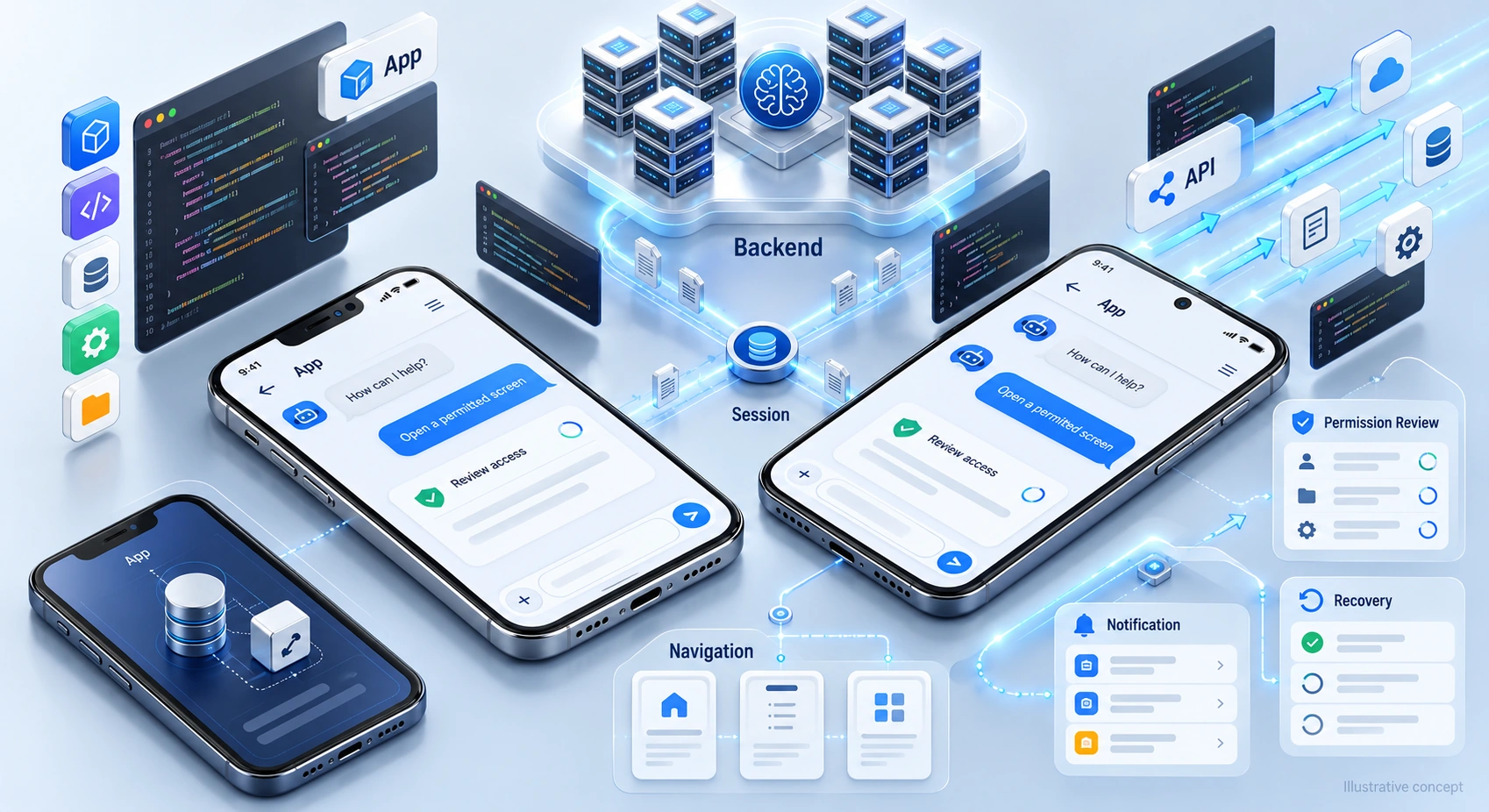
Planning ai fitness app development requires attention to data quality, device constraints, user expectations and the consequences of misleading feedback. This guide outlines questions to address before selecting models or integrations. For the wider delivery process, review the lifecycle of AI product development.
Discuss your mobile fitness product with DigiWeta’s ai app development service, including the intended features, device requirements and evidence needed to evaluate them.
Chapter 1: The Core Tech Computer Vision and Pose Estimation
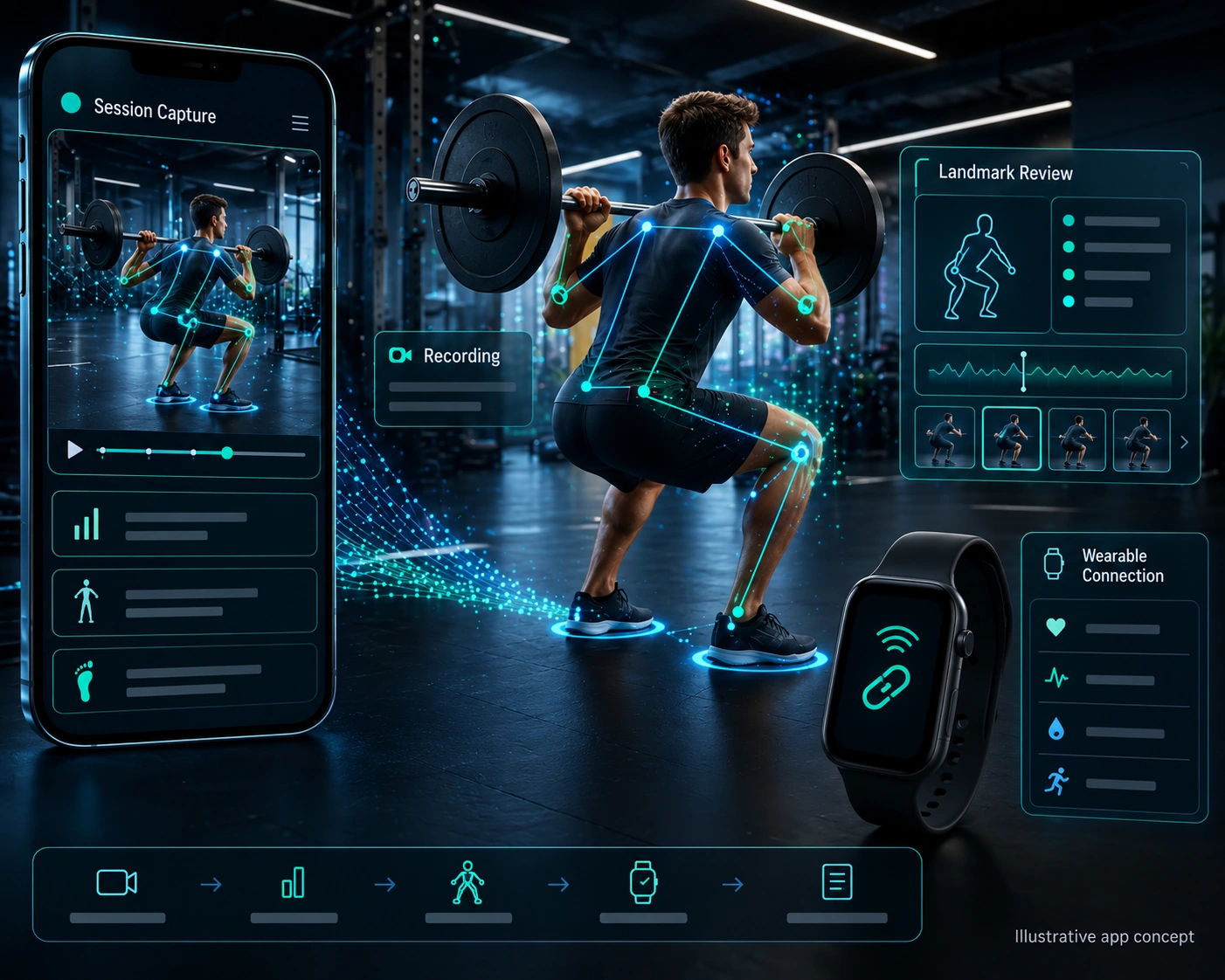
Camera-based movement features may use pose estimation to identify approximate body landmarks in images or video. Whether those estimates are suitable for a particular fitness feature requires testing; detecting landmarks does not establish that an application can assess safe exercise technique.
How Pose Estimation Works
Pose estimation produces estimates of body locations rather than a complete understanding of movement. Its usefulness depends on the model, input quality and task. Treat the output as uncertain measurements, not direct evidence of physical condition.
Tools such as MediaPipe provide body-landmark detection for images and video. Supported outputs vary by model and implementation. Evaluate the selected tool against the intended camera setup and users rather than assuming every framework returns identical landmarks.
The Engineering Workflow for Form Correction
- Video Capture: Choose capture settings that suit the supported devices and task, then test image quality, processing load and permissions.
- Landmark Extraction: Process the input to estimate supported landmarks and record uncertainty or missing detections where available.
- Heuristic Logic & Angle Calculation: Define how landmark estimates will be interpreted, with clear limits on any feedback.
- Example: A test workflow might compare estimated movement against a reviewed reference. Missing or unreliable landmarks should lead to a clear limitation message, not a confident instruction about how the user should move.
Chapter 2: Evaluating Latency and Deployment Choices
Response time is an important design constraint for camera-based movement features.
Feedback delivered after the relevant movement may be confusing or unhelpful. Measure end-to-end response time under realistic conditions, including capture, processing and display. Avoid relying on the app for safety-critical instruction. Users should understand that a camera-based feature cannot guarantee safe technique or prevent injury.
Testing Processing Performance Across Devices
On-device processing can reduce reliance on a network connection. It still needs performance testing, and does not guarantee zero delay or support every feature offline.
Evaluate suitable deployment tools and model sizes against supported devices. Measure memory use, sustained processing, battery impact and responsiveness rather than choosing a universal frame-rate target. Planning on-device latency for cameras includes deciding how the interface handles dropped detections, interruptions and devices that cannot meet the feature’s requirements.
Chapter 3: Generating Smart Workouts (Recommendation Engines)
Recommendation features need their own scope and evaluation, separate from camera-based movement analysis.
A fitness application may offer predefined plans, rule-based suggestions or model-assisted recommendations. Choose an approach suited to the product’s purpose and available evidence. Do not assume personalization makes a routine effective or safe for every user.
Building the ML Recommendation Engine
Define the recommendation task before choosing a model. Decide which inputs are appropriate, how their reliability is assessed and what constraints apply. An algorithm’s output should not be described as an optimal routine without supporting evidence.
Selecting ML algorithms for recommendations involves more than prediction quality. Review potential harm, user limitations and the process for correcting unsuitable suggestions. Where recommendations affect exercise choices, define appropriate professional input and make clear what the application has not assessed.
Chapter 4: Planning Wearable Data Integrations
Wearable information may add context to a fitness product, but not every metric is available, reliable or relevant to its purpose. Specify the data actually needed and avoid equating a collection of measurements with a validated assessment of fatigue, recovery or health.
Data availability depends on the wearable, platform, permissions and integration method. Confirm the supported sources before promising a particular measurement or synchronization behavior.
Reviewing Platform Health-Data Integrations
Health-data integrations have platform-specific access and handling requirements. Review the current documentation and application policies rather than assuming every source behaves like a general-purpose API.
- Permissions and Encryption: Request only the access needed for the feature and explain its purpose. Review platform permissions and data handling, including storage and transmission, without treating permission approval as proof that the entire application is secure.
- Background Syncing: Plan for delayed, missing or unavailable readings. Show when information was last updated and define how features behave without fresh data. Do not assume background execution will always supply the required measurement before the app opens.
Combining camera and wearable outputs requires evaluation of each input and the resulting inference. It does not establish an optimal training threshold or guarantee protection against overtraining.
Chapter 5: Data Privacy and Compliance in Fitness Apps
Camera recordings and health-related measurements can reveal sensitive information. Document what the product collects, why it needs it, where processing occurs and who can access the results before designing the feature.
Applicable privacy obligations depend on the users, data and jurisdiction. Obtain appropriate review and translate the relevant requirements into actual product and operational controls.
Planning Privacy Controls
Define privacy requirements before choosing data flows and storage.
- Local processing may reduce the need to transmit raw video. Verify the application’s actual behavior, including logs, analytics, backups and third-party components. Define retention and deletion deliberately rather than assuming that on-device inference automatically removes all recordings.
- Even summaries and derived measurements can be sensitive. Limit collection and access, review what reaches the backend and test the intended controls. Do not claim that keeping raw video off a server prevents every possible disclosure or privacy risk.
Chapter 6: The Economics of Fitness App Development
Estimate the work needed for model evaluation, mobile implementation, integrations and ongoing support. Cost depends on the scope and existing assets, not simply on whether the product is described as AI-powered.
Build a cost model around expected usage, infrastructure, testing, support and maintenance. Compare pricing and access options against those assumptions. A free tier is not inherently unsustainable, and a subscription does not guarantee profitability or retention.
Choose a business model that fits the product’s value and operating costs. For planning considerations, review how to monetize AI application development solutions; use actual product assumptions rather than treating another application’s results as a forecast.
Architect Your Next-Gen Fitness App with DigiWeta
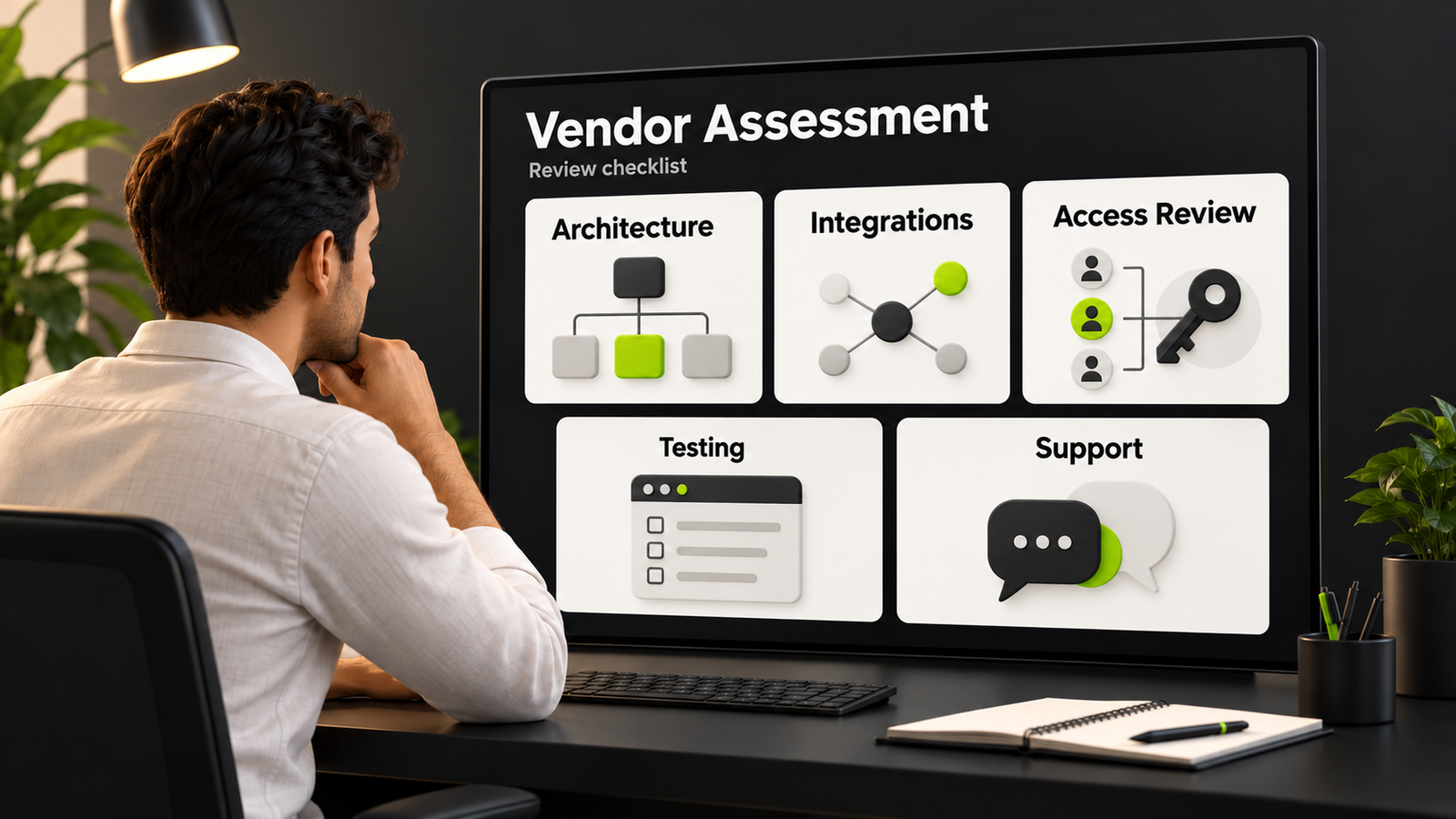
An AI fitness product needs coordinated decisions about user experience, model limitations, device support and evaluation. Assess a development team’s relevant work and proposed testing approach instead of relying on broad claims of technical superiority.
Discuss your ai app development solutions with DigiWeta, including camera features, wearable-data requirements and the intended user experience. Define what will be built and how it will be evaluated before making promises about accuracy, responsiveness, privacy or scale.
Contact DigiWeta to discuss your fitness application’s scope, device requirements and evaluation plan.
Frequently Asked Questions
Pose estimation identifies approximate body landmarks in images or video. A fitness application may use those estimates as inputs to movement features. Accuracy and suitability depend on the model, input and task; landmark detection alone does not establish safe coaching or reliable posture correction.
Some on-device features can work without a network connection, depending on the model and application. Downloads, account services or other functions may still need connectivity. Test the intended offline behavior and avoid promising zero latency or universally accurate form assessment.
Responsiveness can be affected by model complexity, camera processing, device resources and the implementation. Measure the full pipeline under realistic conditions. There is no single frame rate that guarantees a suitable experience for every device or fitness task.
The available integration depends on the device, platform and permissions. Review the current official interfaces, supported data and intended use before implementation. Handle missing or delayed readings explicitly, and do not promise access to every measurement a wearable may record.
Camera features can create privacy risks. Review what is captured, processed, stored and transmitted, including third-party components. Local processing may reduce some transfers, but does not guarantee that footage is deleted or that all personal information is protected.
A recommendation engine uses selected inputs to suggest options. Its design and evaluation depend on the task. Fitness recommendations should have defined limits and appropriate review; personalization does not prove that a suggested routine is optimal or safe for an individual.
Cost depends on the feature scope, data, device coverage, integrations and evaluation requirements. Include ongoing maintenance and support in the estimate. Neither computer vision nor a subscription model guarantees high retention, financial returns or a particular development budget.
Select tools based on the feature and supported devices. MediaPipe is one option for pose-landmark detection, while mobile interfaces can use native or cross-platform development approaches. Test the chosen combination rather than assuming a named framework guarantees performance or suitability.